MCGOR Rechargeable Under Cabinet Lights Review: Easy No-Wire Glow (2026)
Quick answer
Rechargeable under cabinet lights are the easiest way to light a dark counter, closet or stair without wiring, as long as you are fine recharging them every week or few. The MCGOR version is a 2-pack of 10-inch magnetic LED bars with a motion sensor, an always-on mode and 5 brightness levels. They charge by USB-C and mount with magnets or included adhesive metal plates, so you can light a dark counter, closet or stairway with no wiring and no electrician.
Disclosure: As an Amazon Associate I earn from qualifying purchases.
Best for: Dark counters, closets, pantries and stairways
Check current price on Amazon →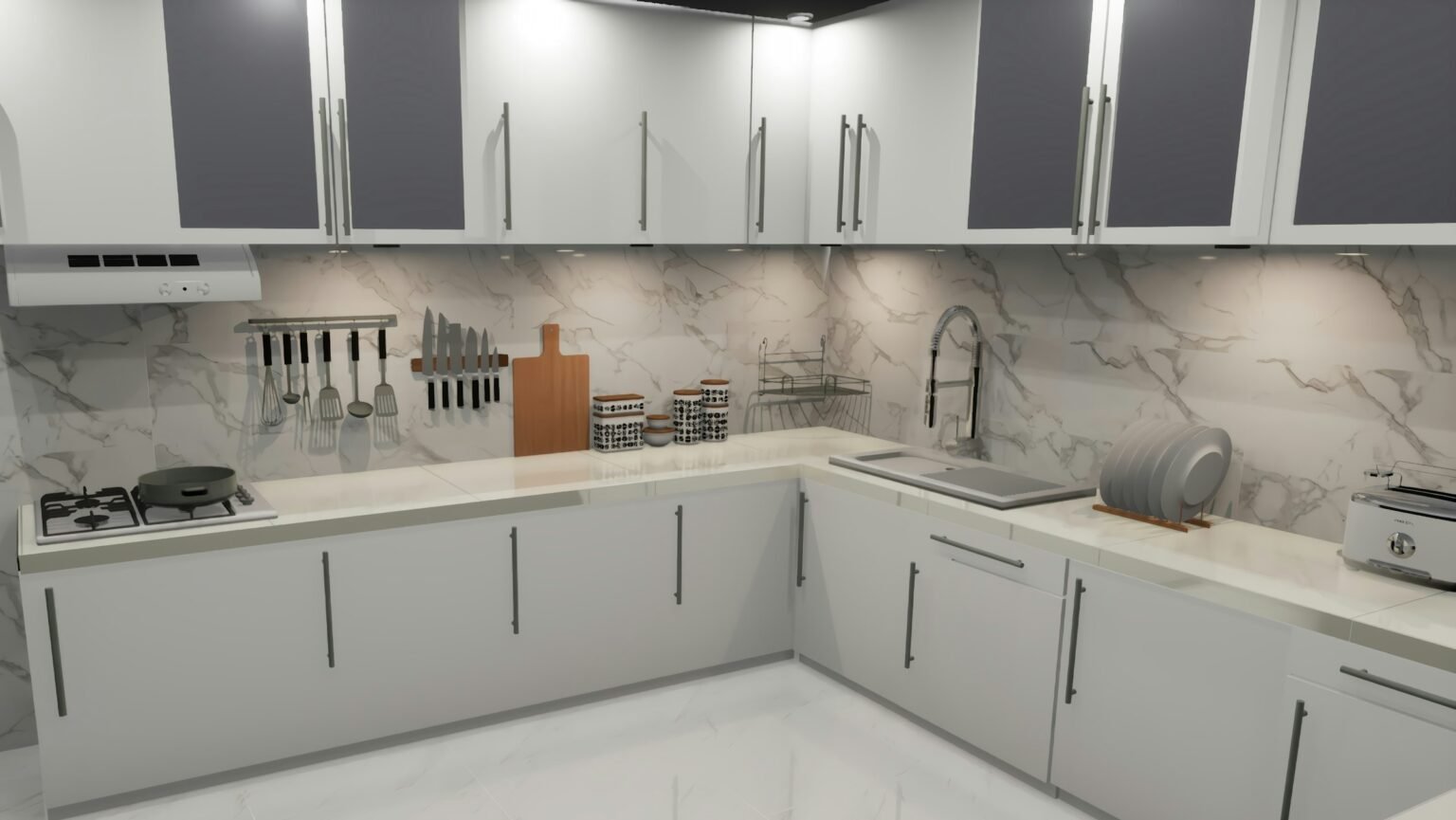
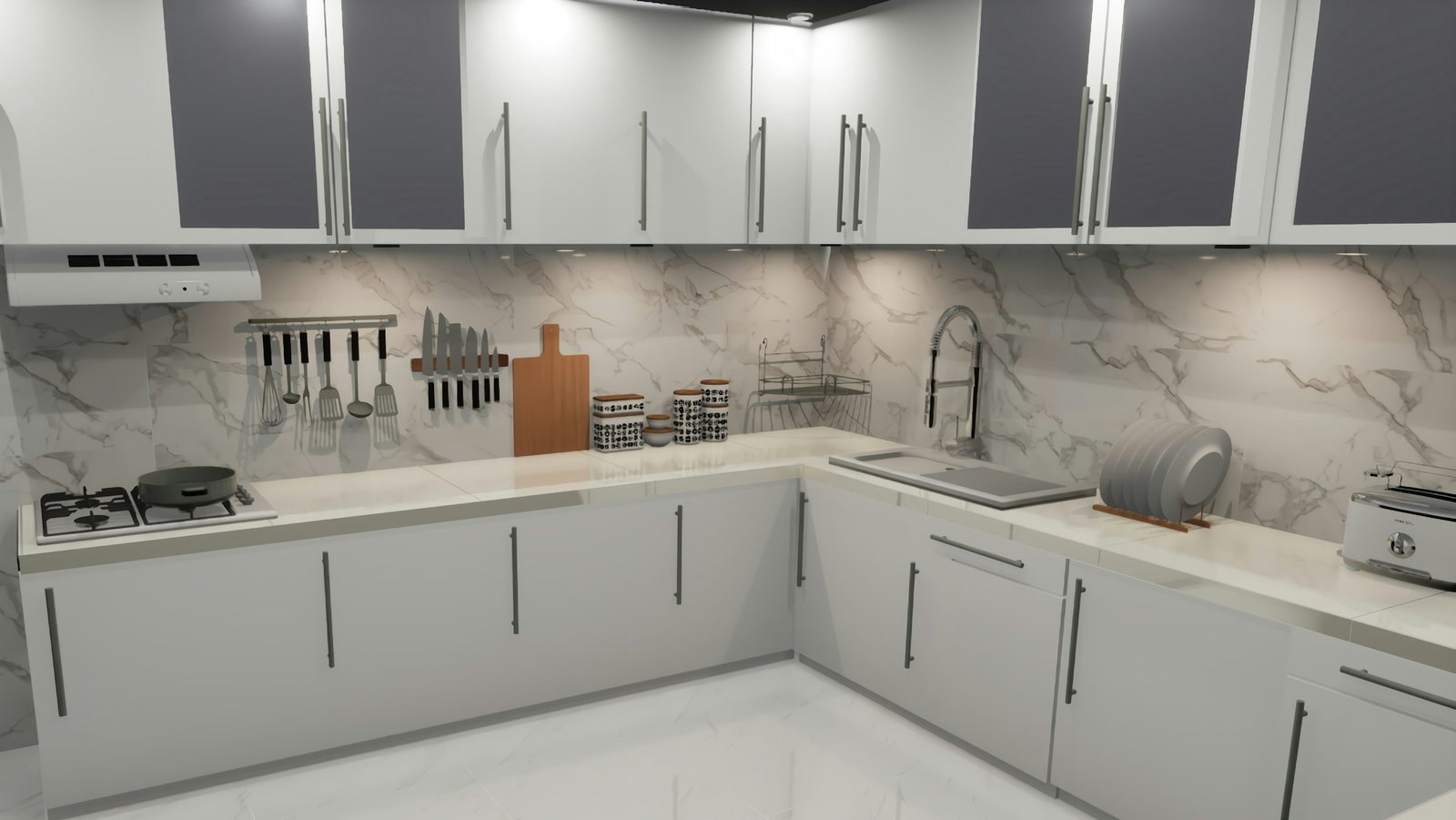
Most kitchens have one dark stretch of counter where you end up chopping in your own shadow. Hardwired lighting means an electrician, but a set of rechargeable under cabinet lights can fix it in ten minutes. The MCGOR 2-pack is one of Amazon’s popular lighting picks, so we looked at how it works and where it makes sense.
Disclosure: As an Amazon Associate, team5e earns from qualifying purchases. If you buy through our links we may earn a small commission at no extra cost to you. Prices and availability change often, so check Amazon for the current price. Learn more.
MCGOR rechargeable under cabinet lights at a glance
This 2-pack of 10-inch rechargeable under cabinet lights uses 40 LEDs per bar under a frosted, non-glare cover. Each light has a motion sensor mode (on when it detects movement in the dark, off after about 20 seconds), an always-on mode and 5 brightness levels. A built-in 1800mAh battery charges by USB-C, and strong magnets or the included adhesive metal plates hold it in place.
| Pick | Best for | Why it stands out | |
|---|---|---|---|
| MCGOR 10-Inch Motion Sensor Cabinet Lights (2-Pack) Best No-Wire Option | Dark counters, closets, pantries and stairways | Motion sensor, 5 brightness levels, USB-C, magnetic | See photos |
Our verdict on the rechargeable under cabinet lights
For renters and anyone who wants task light without wiring, these rechargeable under cabinet lights are a practical, low-effort buy. If you want bright light running for hours every evening, hardwired or plug-in strips will be less hassle than recharging.
1. MCGOR 10-Inch Motion Sensor Cabinet Lights (2-Pack): Best No-Wire Option
What sets these rechargeable under cabinet lights apart is flexibility. In motion mode they turn on when they sense movement within about 10 feet and a 120-degree range in a dark or dim space, then switch off after roughly 20 seconds. Switch to always-on when you are cooking or reading and need steady light, and pick from 5 brightness levels.
There is no wiring at all. A built-in 1800mAh battery charges by USB-C, and the listing says a charge can last from about a week to several weeks in motion mode, depending on how often it turns on. The lights stick to metal with built-in magnets, or you attach the included adhesive metal plates anywhere and pop the light off to charge.
- No wiring or electrician needed
- Motion sensor and always-on modes
- 5 brightness levels with a non-glare cover
- Magnetic, easy to remove for charging
- Needs regular recharging, especially in always-on mode
- 10-inch bars may not cover a long counter
- Adhesive plates may not hold well on rough surfaces
Best for: Dark counters, closets, pantries and stairways
See photos & price on Amazon →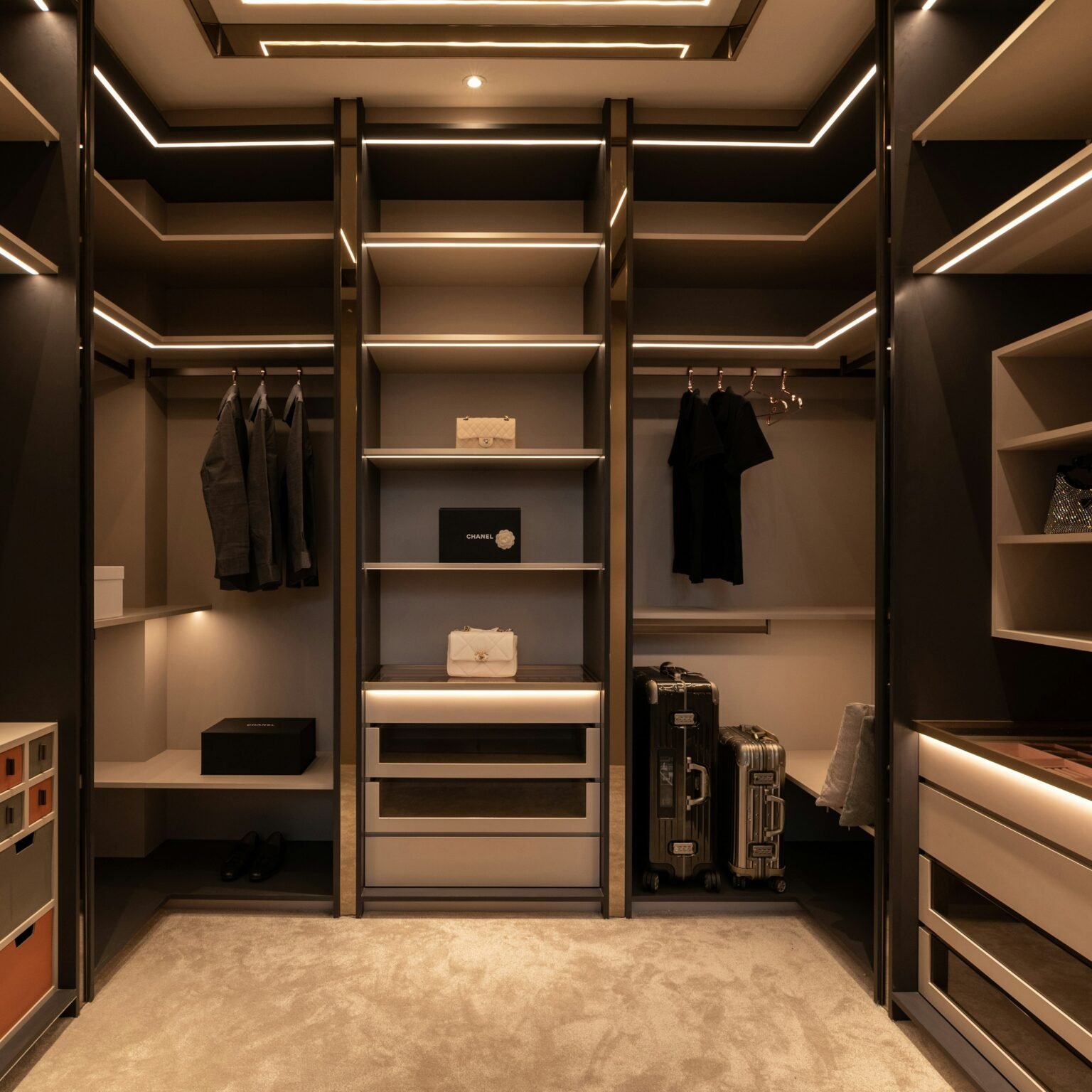
Key features of the rechargeable under cabinet lights
Motion sensor mode
In the dark, the light turns on when it senses movement and turns off after about 20 seconds without motion. That is ideal for late-night water runs, closets and stairs.
Always-on mode and 5 brightness levels
For cooking, set rechargeable under cabinet lights to always-on and choose one of 5 brightness levels. Lower settings work as a night light; higher settings help with chopping.
40 LEDs with a frosted cover
Each bar has 40 energy-saving LEDs behind a frosted, non-glare cover, so you see an even glow instead of bright dots reflecting in a shiny counter.
USB-C battery and magnetic mounting
The 1800mAh battery charges by USB-C. Magnets hold the bar on metal or on the included adhesive plates, so you can remove it to charge without unsticking anything.
Who should buy it (and who should skip it)
Buy them if you:
- Rent and cannot add wiring
- Have a dark counter, pantry or closet with no outlet nearby
- Want motion-activated light for stairs or hallways at night
- Like the idea of moving lights around as needs change
Skip them if you:
- Want strong light for hours every night without charging
- Have a long run of cabinets that needs continuous light
- Prefer a clean, hidden, hardwired look
How to use rechargeable under cabinet lights around your home
- Kitchen: mount the rechargeable under cabinet lights toward the front edge of the cabinet bottom so the light lands on the counter, not the backsplash.
- Closet: stick one above the rod; motion mode lights it when you open the door.
- Pantry: a light on the inside frame makes back shelves easier to see.
- Stairs and halls: place them low on the wall as a motion night light.
- Bathroom vanity: under an upper shelf for a soft night-time glow.
Two 10-inch bars cover a short counter or one corner. For bigger spaces, plan on more bars. For other lighting ideas, see our best fairy lights guide.
What to know before you buy
- Measure: each bar is about 10 inches long. Measure your counter and decide how many you need.
- Charging: always-on mode and high brightness drain the battery faster than motion mode. Expect to charge more often if you cook with them daily.
- Mounting surface: clean the spot with rubbing alcohol before you stick the metal plates, and let the adhesive set before adding the light.
- Battery safety: charge with a proper USB-C cable and adapter, do not charge on a soft surface, and stop using a light that swells or gets hot.
- Heat and steam: keep the bars away from the range hood and steam from the stove.
See photos & price on Amazon →
Rechargeable under cabinet lights vs typical alternatives
| Option | Best for | Trade-offs |
|---|---|---|
| Rechargeable under cabinet lights | Renters, closets, no outlet | Need recharging, short bars |
| Plug-in LED light bars | Steady light, longer runs | Visible cords, needs outlet |
| Hardwired puck or strip lights | Clean built-in look | Electrician cost, permanent |
| Battery (AAA) puck lights | Very cheap | Dimmer, frequent battery swaps |
If you cook every night for hours, plug-in or hardwired lighting is easier. For flexible, no-mess light, rechargeable under cabinet lights are hard to beat. Look for ENERGY STAR guidance when comparing LED products.
Similar ideas on team5e
Planning a bigger kitchen or lighting refresh? See our backsplash installation cost guide and our picks in home decor under $50.
See photos & price on Amazon →
Setup tips for rechargeable under cabinet lights
- Plan the count. Each bar is about 10 inches. Measure your counter run and space bars evenly, roughly one per 18 to 24 inches for a general glow.
- Charge fully first with a proper USB-C cable so you know the starting runtime.
- Clean the cabinet bottom with rubbing alcohol where the metal plates will go, and let it dry.
- Place plates near the front edge so light lands on the counter, not the backsplash.
- Let the adhesive set before snapping the magnetic lights on.
- Pick a mode: motion for hallways and closets, always-on for cooking.
Real-life ways to use the lights
- Kitchen prep: always-on at a higher brightness level for chopping.
- Late-night snacks: motion mode at low brightness lights the counter without waking anyone.
- Closets and wardrobes: the light turns on when you open the door and off about 20 seconds later.
- Stairs and hallways: stick a bar low on the wall for safer night steps.
- Garage shelves or a workbench: no outlet needed.
- Rentals: rechargeable under cabinet lights add task lighting without any wiring changes.
If you like the cozy look, our fairy lights guide has softer decorative options. Rechargeable under cabinet lights are the practical choice when you need light on a work surface.
How we researched the rechargeable under cabinet lights
We did not test these rechargeable under cabinet lights hands-on. We reviewed the Amazon listing details and specs, how popular the listing is and their rating across many reviews, and compared them with plug-in, hardwired and battery puck lights. We update this review when the listing changes.
Helpful resources: ENERGY STAR lighting guidance and NFPA lithium-ion battery safety.
How many bars do you need? A quick sizing table
Each bar is about 10 inches long, and a good rule for an even wash of light is one bar every 18 to 24 inches of counter. Measure the run under your upper cabinets (not the full counter) and use this table. A home coffee corner is a common spot for one bar; if you are setting one up, see the difference between Breville Barista Express and Touch for how much counter each espresso machine needs.
| Cabinet run | Bars for an even glow | Packs (2 bars each) | Notes |
|---|---|---|---|
| Up to 24 in (single cabinet, coffee corner) | 1 to 2 | 1 | One bar is enough for a small coffee or prep zone |
| 30 to 36 in (standard sink or stove side) | 2 | 1 | Place each bar about one-quarter in from each end |
| 48 in | 2 to 3 | 2 (one spare) | Spare bar works in a pantry or closet |
| 60 to 72 in | 3 to 4 | 2 | Stagger bars so pools of light overlap slightly |
| 96 in or more | 5+ | 3 or more | At this length a plug-in or hardwired strip is usually easier |
Tip: if your cabinets have a front lip (face frame), mount the bar just behind it so the lip hides the light from eye level.
What it costs to keep them charged: a worked example
Recharging is cheap. Assumptions: each bar has the listed 1800mAh battery at a typical 3.7V lithium-ion cell voltage (about 6.7 watt-hours), charging is about 80% efficient (so roughly 8.3 Wh from the wall per full charge), you recharge both bars once a week, and electricity costs the US average of 18.31 cents per kWh (EIA residential average).
| Step | Math | Result |
|---|---|---|
| Energy per full charge, per bar | 6.7 Wh / 0.8 | About 8.3 Wh |
| Two bars, weekly, for a year | 8.3 Wh x 2 x 52 | About 0.87 kWh |
| Yearly cost at 18.31 cents/kWh | 0.87 x $0.1831 | About 16 cents a year |
Even if you cook nightly in always-on mode and recharge both bars every other day, that is still well under $1 a year. The real cost is your time plugging them in, which is why hardwired or plug-in lights make more sense for heavy daily use.
Common problems and fixes
- Light turns on during the day or not at all in motion mode: motion mode is meant for dark or dim spaces. If a window or overhead light is on, the sensor may stay off; switch to always-on when you need light in daylight.
- Light switches off while you are still working: the motion timer is about 20 seconds. For cooking, use always-on mode instead.
- Bar slides or drops off: the adhesive plate probably went on a dusty or greasy surface. Clean with rubbing alcohol, press the plate for 30 seconds and wait several hours before attaching the light.
- Runtime keeps getting shorter: high brightness drains faster. Drop one or two brightness levels, and fully charge before each use cycle.
- Glare on a glossy counter: move the bar toward the front edge and lower the brightness; the frosted cover helps, but placement matters more.
Alternatives worth comparing
- Govee RGBIC LED Strip Lights: plug-in color strips for continuous runs and accent light, with no recharging but a visible cord to hide.
- Sujeet Dusk to Dawn Night Light: plug-in night lights for halls and baths, best if you only need a soft path light and have outlets.
- Lepro LED Desk Lamp: a better fit if your dark spot is a desk or workbench rather than under a cabinet.
For softer, decorative lighting ideas, browse our best fairy lights guide.
MCGOR cabinet lights vs Govee LED strip vs plug-in night lights
Readers often weigh these rechargeable under cabinet lights against two other lights we have covered: the Govee RGBIC LED strip and the Sujeet dusk to dawn night lights. All three add light where a room is dark, but they solve different problems. Here is how they line up, using only details from each listing.
| Detail | MCGOR rechargeable bars | Govee RGBIC strip | Sujeet night lights |
|---|---|---|---|
| What you get | 2 bars, about 10 inches each | One 16.4-foot strip | 8 plug-in lights |
| Power | Built-in 1800mAh battery, USB-C charging | Plugs in, so it needs an outlet nearby | Plugs straight into a wall outlet |
| How it turns on | Motion sensor or always-on mode | Govee Home app, scenes and music modes | Light sensor: on at dusk, off at dawn |
| Light style | White task light, 5 brightness levels | 16 million colors, moving effects | Warm white, about 50 lumens |
| Best job | Counters, closets, pantries with no outlet | Accent glow behind a TV or along a bed | Hallways, bathrooms, stairs at night |
Pick the MCGOR bars when the spot has no outlet and you want bright, white light for chopping or finding things on a shelf. Choose the Govee strip when color and mood matter more than task light and you can run a cord. Go with the night lights when you only need a soft path light near an existing outlet and never want to think about charging.
Quick fit check by situation
| Your situation | Our call | Why |
|---|---|---|
| Renter with a dark kitchen corner | Good fit | No wiring, and the magnetic plates come off when you move out |
| Long run of cabinets (8 feet or more) | Partial fit | Two 10-inch bars cover a short stretch; you would need several sets |
| Closet or pantry you open a few times a day | Strong fit | Motion mode lights up only when you open the door, which stretches each charge |
| You cook every night under bright light for an hour or more | Weak fit | Always-on mode at high brightness drains the battery faster, so charging becomes a chore |
| Want colored mood light | Look elsewhere | These are white task lights; a color strip suits that job better |
Setup tips for the first week
- Charge both bars fully before mounting so your first impression of brightness and runtime is accurate.
- Test the location with a strip of painter’s tape first: hold the bar in place at night and check for glare on a shiny counter before you stick down the metal plate.
- Mount the plate toward the front edge of the cabinet so light falls on the work area rather than the backsplash.
- Start in motion mode for a few days. If the light switches off while you are still working, switch that bar to always-on for cooking and back to motion afterward.
Rechargeable under cabinet lights: frequently asked questions
Are rechargeable under cabinet lights worth it?
Yes, if you cannot or do not want to wire lights. Rechargeable under cabinet lights install in minutes, move easily and work well in kitchens, closets and stairways.
How long do rechargeable cabinet lights last on a charge?
It depends on mode and brightness. The listing says a full charge lasts about one to several weeks in motion mode; always-on use at high brightness drains it much faster.
How do you install under cabinet lights without wiring?
Clean the cabinet bottom, stick on the included adhesive metal plate, wait for it to set, then attach the magnetic light. On metal surfaces, the magnets hold the light directly.
Do motion sensor lights work during the day?
Motion mode is designed for dark or low-light spaces. In daylight, use always-on mode if you want light.
Where should under cabinet lights be placed?
Place them toward the front edge of the cabinet bottom so light falls on the work area instead of glaring off the backsplash.
How often do you need to charge under cabinet lights?
It depends on mode and brightness. Motion mode at low brightness lasts much longer than always-on at high. Daily cooking use means charging more often.
Can you leave magnetic cabinet lights charging overnight?
Follow the maker’s instructions. In general, use a proper USB-C cable and adapter, charge on a hard surface and unplug once the light shows it is full.
Can under cabinet lights be on a dimmer?
Hardwired fixtures can use a wall dimmer if the light is rated for it. These rechargeable bars do not connect to a switch at all; instead they have 5 built-in brightness levels you select on the light itself.
Do under cabinet lights use a lot of electricity?
No. LED cabinet lights draw very little power, and these bars only use the electricity it takes to recharge a small battery now and then, which costs pennies a year.
Do rechargeable under cabinet lights work without the motion sensor?
Yes. The MCGOR bars have an always-on mode, so you can leave the light on while you cook or read and switch back to motion mode later.
Latest Posts
 7 Best Christmas Stocking Holders for Every Mantel (2026)
 Best Hanging Toiletry Bag for Women (2026): 8 Organized Picks for Travel and Cruises
 Best Butter Dish with Lid (2026): 8 Picks for Counter and Fridge
 Best Luxury Nail Polish Gift Set: 7 Picks for Christmas (2026)
 Best Boot Tray for Winter (2026): 8 Picks for Snowy, Muddy Entryways
 Best Watch Winder for Automatic Watches (2026): 7 Quiet Picks and a Gift Guide for Him