Echo Show 8 vs 15 vs 21: Which Smart Display Fits Your Kitchen or Living Room? (2026)
Quick answer
In the Echo Show 8 vs 15 vs 21 decision, room size and placement matter more than features. The Echo Show 8 (8.7-inch HD screen) is a tabletop display for a kitchen counter, desk or nightstand you stand close to. The Echo Show 15 (15.6-inch Full HD) is the best fit for most families: it ships with a wall mount, a Fire TV remote and a camera shutter, and works as a wall-mounted family hub by the kitchen or mudroom. The Echo Show 21 (21-inch Full HD) has the same speakers, camera and hub radio as the 15 on a bigger panel, so it suits large open-plan kitchens and living rooms where you read the screen from across the room. All three include a Zigbee, Matter and Thread smart home hub.
Disclosure: As an Amazon Associate I earn from qualifying purchases.
Best for: A wall-mounted family hub in the kitchen, hallway or mudroom, with Fire TV and a physical camera shutter
Check current price on Amazon →
A smart display earns its spot when it lives where your day actually happens: the counter where you follow a recipe, the wall where everyone checks the calendar on the way out, or the living room where you ask for music and dim the lights. Amazon now sells three sizes for exactly those jobs, and the right one depends far more on where it will sit and how far away you stand than on the spec sheet. Below we run through Echo Show 8 vs 15 vs 21 using their Amazon listings, then match each one to a room, with mounting heights, viewing distances and privacy settings to check before you buy.
Echo Show 8 vs 15 vs 21: side-by-side specs
For a fair Echo Show 8 vs 15 vs 21 comparison, every figure in this table comes from the current Amazon listings (Echo Show 8 2025 release, Echo Show 15 2nd Gen and Echo Show 21). Sizes are width x height x depth.
| Spec | Echo Show 8 | Echo Show 15 | Echo Show 21 |
|---|---|---|---|
| Screen | 8.7-inch HD touchscreen | 15.6-inch Full HD (1080p) | 21-inch Full HD (1080p) |
| Resolution | 800 x 1340 | 1920 x 1080 | 1920 x 1080 |
| Orientation | Tabletop | Landscape or portrait | Landscape or portrait |
| Size | 8.2 x 5 x 5.9 in | 16.1 x 10.1 x 1.4 in | 21.4 x 13.2 x 1.5 in |
| Weight | 37 oz | 4.96 lb | 10.7 lb |
| Speakers | One 2.8-inch woofer + 2 full-range drivers, spatial audio | Two 2-inch woofers + two 0.6-inch tweeters | Two 2-inch woofers + two 0.6-inch tweeters |
| Camera | 13 MP, auto framing | 13 MP + built-in shutter | 13 MP + built-in shutter |
| Privacy controls | Mic and camera enable/disable button, camera controls on device and in app | Mic/camera-off button, camera shutter, streaming indicators | Mic/camera-off button, camera shutter, streaming indicators |
| Smart home hub | Zigbee + Matter + Thread Border Router | Zigbee + Matter + Thread Border Router | Zigbee + Matter + Thread Border Router |
| Processor | AZ3 Pro with AI accelerator | Octa-core with AZ2 neural engine | Octa-core with AZ2 neural engine |
| Sensors | Temperature, ambient light, presence (Omnisense) | Ambient light (RGB), accelerometer | Ambient light (RGB), accelerometer |
| Fire TV + remote | Not listed | Built-in Fire TV, Alexa Voice Remote included | Built-in Fire TV, Alexa Voice Remote included |
| Wi-Fi | Wi-Fi 6E | Wi-Fi 6E | Wi-Fi 6E |
| In the box | Device, 30W adapter, quick start guide | Device, remote, 30W adapter + 5 ft cord, wall mount, anchors, screws, template | Device, remote, 30W adapter + 5 ft cord, wall mount, anchors, screws, template |
| Stand | Built-in tabletop design | Sold separately | Sold separately |
Two things jump out from the Echo Show 8 vs 15 vs 21 specs. First, the Echo Show 15 vs 21 gap is almost entirely screen size and weight: same resolution, same speaker layout, same camera and shutter, same processor, same accessories in the box. Second, the Echo Show 8 is the newest design of the three, with the AZ3 Pro chip and Omnisense sensors that can trigger routines from temperature or presence, but it is the only one built purely for a table or counter.
Which Echo Show is best? Our verdict on each
1. Amazon Echo Show 15: Best Wall-Mounted Family Hub
The Echo Show 15 is the one we would point most households to. Its 15.6-inch Full HD screen is big enough to read a shared calendar, a shopping list and the weather from a few steps away, and you can hang it in landscape or portrait. Everything you need for the wall is in the box: the mount, anchors, screws and a paper template, plus a 5 ft power cord. You will need an electric drill. If you would rather keep it on a counter, the listing notes that a stand is sold separately.
It also doubles as a small TV. Built-in Fire TV and the included Alexa Voice Remote mean you can play a show while you cook without propping up a tablet. For privacy, it has a mic/camera-off button and a built-in shutter that physically covers the camera, which many families want on a screen that faces the kitchen table. It can also show a live feed from a compatible doorbell camera; compare options in our best video doorbell guide.
- Wall mount, anchors, screws and template included
- Landscape or portrait orientation
- Physical camera shutter plus mic/camera-off button
- Built-in Fire TV with remote in the box
- Counter use needs a stand sold separately
- The 5 ft cord stays visible unless you plan an outlet near the mount
- Older AZ2 processor than the Echo Show 8
Best for: Kitchens, hallways and mudrooms where the whole family checks the calendar
Check current price on Amazon →2. Amazon Echo Show 21: Best for Big Kitchens and Living Rooms
The Echo Show 21 is the largest smart display Amazon sells, and the only reason to choose it over the 15 is distance. A 21-inch Full HD panel stays readable from across an open-plan kitchen and dining area, or from the sofa in a living room, where widgets on a smaller screen turn into tiny text. It shares the 15’s speaker layout (two 2-inch woofers and two 0.6-inch tweeters), 13 MP camera with shutter, Fire TV with remote, and wall mount kit.
The trade-off is size and weight. At 21.4 x 13.2 inches and 10.7 lb, it needs a wall with enough clear space and solid fixing, and it will dominate a small galley kitchen. Measure your wall before you order.
- Largest screen, readable from across a room
- Same camera shutter, remote and wall mount kit as the 15
- Landscape or portrait orientation
- 10.7 lb, so the wall and fixings matter
- Too big for most small kitchens and short walls
- Same speaker hardware as the smaller 15
Best for: Open-plan kitchens, family rooms and living rooms viewed from 8 ft or more
Check current price on Amazon →3. Amazon Echo Show 8 (2025): Best for Kitchen Counters and Desks
The Echo Show 8 is the compact, sit-anywhere option. Its 8.7-inch HD touchscreen sits on a footprint of about 8.2 x 5 inches, small enough for a corner of the counter, a desk or a nightstand. Amazon says the screen has 15% more viewing area than the 2023 model, and it is the only one of the three with spatial audio, the newer AZ3 Pro chip and Omnisense sensors that can start routines when it detects presence or a temperature change.
What it does not have is a wall mount in the box, Fire TV with a remote, or a sliding shutter in its listed features. Its privacy controls are a mic and camera enable/disable button plus camera controls on the device and in the app. If you mostly use a screen for recipes, timers, music and video calls at arm’s length, it does the job without taking over a wall.
- Compact tabletop footprint for counters and desks
- Newest chip and presence and temperature sensors
- Spatial audio with a 2.8-inch woofer
- No wall mount kit or Fire TV remote listed
- Small text from more than a few feet away
- Camera privacy is a button and software controls; no shutter in the listing
Best for: Kitchen counters, home offices, nightstands and smaller apartments
Check current price on Amazon →
Which one for which room
The simplest way to settle Echo Show 8 vs 15 vs 21 is to start with the spot, then pick the size. Here is how the three line up in the rooms where people actually use them.
Best Echo Show for kitchen counters
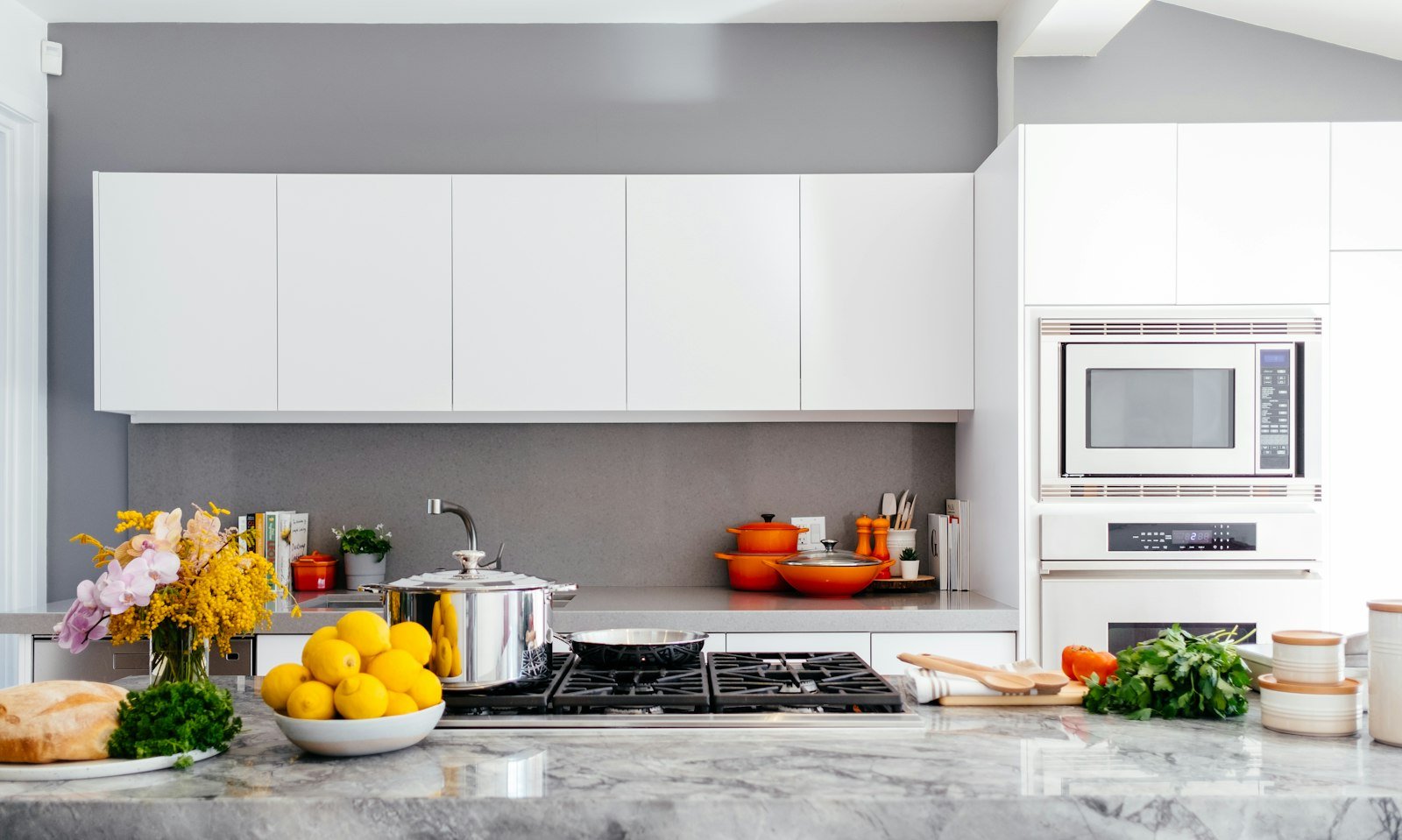
If the display will sit on the counter next to the stove or the coffee maker, the Echo Show 8 is the best Echo Show for kitchen counters in most homes. You stand within two or three feet of it while you cook, so the 8.7-inch screen is plenty for a recipe step, a timer or a video call, and its small footprint leaves room to work. Keep it away from the sink splash zone and at least a foot from the cooktop so steam and grease do not coat the screen. A 15 can live on a counter too, but only with a separately sold stand, and it takes a lot more space.
Pair it with a few other kitchen basics that keep the counter clear: a readable black kitchen wall clock for a quick glance without waking the screen, and smart bulbs for the room, such as the Govee color-changing light bulbs. Before you plan voice or on-screen control from an Echo Show, check that each bulb, plug or strip lists Alexa support. Torn between bulb brands? Our Philips Hue vs Govee smart bulb comparison covers hubs, Matter and which bulbs work with Alexa. Want Alexa to run your heat too? Our best smart thermostat guide includes the Amazon Smart Thermostat and other Alexa-friendly picks.
Best for a wall-mounted family hub
For a command center that the whole household reads, mount an Echo Show 15 on a wall by the kitchen, the back door or the hallway to the bedrooms. The 15.6-inch screen fits a calendar, to-do list and weather widget side by side, and portrait mode suits narrow walls between doorways. It replaces the paper calendar on the fridge, and the listing’s widgets are built for exactly this use. If you only need a date and time on the wall, a simpler digital calendar clock is a lighter alternative.
Best for living rooms and open-plan spaces
In a living room you usually read the screen from the sofa, eight to twelve feet away. That is where the Echo Show 21 makes sense: its 21-inch Full HD panel keeps widgets and photo slideshows legible at that distance, and Fire TV with a remote lets it double as a second screen. In a smaller living room or a bedroom, an Echo Show 8 on a side table works as a music speaker, alarm and smart home remote for Alexa-compatible lamps and plugs without competing with your TV. Check each device first: some popular RGBIC LED strip lights are app-only and do not support Alexa.
| Room or spot | Our pick | Why it works |
|---|---|---|
| Kitchen counter, small kitchen | Echo Show 8 | Small footprint, read at arm’s length, no drilling |
| Kitchen wall or mudroom family hub | Echo Show 15 | Wall mount included, calendar and list widgets, camera shutter |
| Large open-plan kitchen and dining area | Echo Show 21 | Readable from across the room |
| Living room viewed from the sofa | Echo Show 21 | Biggest screen, Fire TV and remote |
| Home office, desk or nightstand | Echo Show 8 | Compact, presence and temperature sensors for routines |
Echo Show 15 vs 21: is the bigger screen worth it?
This is the closest call in the lineup. On paper the Echo Show 15 vs 21 comparison comes down to 15.6 inches against 21 inches, 4.96 lb against 10.7 lb, and a 16.1 x 10.1 inch footprint against 21.4 x 13.2 inches. Resolution is 1920 x 1080 on both, the speakers are the same two woofers and two tweeters, both have a 13 MP camera with a shutter, both include the Alexa Voice Remote and the wall mount kit, and both run on the same AZ2 processor.
So choose by distance and wall space. If you will usually read the screen from under about seven feet, the 15 shows the same information in a tidier package and is easier to fit between cabinets or beside a doorway. If you read it from across a big room, or you want it to act as a small TV in a family room, the 21 is the better fit. Cut a paper template to each size and tape it to the wall for a day before you decide; it is the fastest way to see which one looks right.
Echo Show 15 wall mount and placement tips
Both large models come with a wall mount, anchors, screws and a mounting template, and the listings say an electric drill is required. A little planning keeps the result clean and safe:
- Height: For a hub you tap, put the center of the screen roughly at chest-to-eye level for the adults who use it most, often around 50 to 60 inches from the floor. Mount it a little lower if kids need to reach the calendar.
- Viewing distance: As a rough guide, the 8.7-inch Echo Show 8 is comfortable within about 3 to 4 feet, the 15.6-inch Echo Show 15 from about 4 to 8 feet, and the 21-inch Echo Show 21 from about 6 to 12 feet. Beyond that, widget text gets hard to read.
- Studs and anchors: Use the template, check for wiring and pipes behind the wall before drilling, and screw into a stud where you can. The 10.7 lb Echo Show 21 deserves extra care on drywall.
- Power: The large models ship with a 5 ft cord. Plan the mount within reach of an outlet, or use a paintable cord cover. Never run an ordinary power cord inside a wall; if you want it hidden, use an in-wall power kit made for that job or ask an electrician.
- Glare: Avoid placing a screen opposite a bright window. The ambient light sensor adjusts brightness, but direct sun still washes out a display.
- Splash and heat: In a kitchen, keep any display clear of the sink, kettle steam and the area right above the cooktop.
If you plan to set the Echo Show 15 on a counter instead, remember that the stand is sold separately; the Echo Show 8 is the only one of the three that is ready to sit on a table out of the box.
Privacy controls: camera shutter, mic off and voice history
A screen with a camera and microphones in the kitchen or living room is a reasonable thing to think twice about. Here is what each listing describes:
- Echo Show 15 and Echo Show 21: a mic/camera-off button, a built-in camera shutter you slide to cover the lens, streaming indicators, wake word technology and the ability to view and delete your voice recordings.
- Echo Show 8 (2025): a microphones and camera enable/disable button, dedicated camera controls on the device and in the Alexa app, wake word technology and the ability to review and delete voice recordings. A sliding shutter is not mentioned in its listing, so check the product photos if a physical cover matters to you.
Practical habits help too. Press the mic/camera-off button when you do not want Alexa listening, close the shutter on the 15 or 21 when nobody is using video calls, and review the privacy settings in the Alexa app after setup (Amazon points to its Alexa Privacy Hub for details). If the camera faces a bedroom doorway or a bathroom, move the display. All three listings also note that Amazon Sidewalk is on by default and can be turned off at any time in the app.
What each one can’t do
In any Echo Show 8 vs 15 vs 21 matchup, no single size covers every room. Knowing the limits up front saves a return:
- Echo Show 8: no wall mount kit, Fire TV remote or camera shutter listed; small text from across a room; not a replacement for a calendar on a busy family wall.
- Echo Show 15: needs a separately sold stand for counter use; the cord stays visible unless the outlet is planned; it uses the older AZ2 chip and lacks the 8’s presence and temperature sensors.
- Echo Show 21: heavy and wide, so it does not fit many small kitchens or short walls; same speakers and resolution as the 15, so you are paying for size, not sharper detail.
- All three: they plug into the wall and have no battery listed, so they are not portable tablets; some apps and services need a subscription; and they are not a substitute for a dedicated TV or sound system in a large room.
How to choose: a quick checklist
- Measure the spot. Counter depth and wall width decide more than any spec.
- Note the usual viewing distance, then use the distances above to pick the screen size.
- Decide wall or counter. The 15 and 21 include a wall mount; the 8 is a tabletop design.
- Check for an outlet within the cord’s reach.
- Decide how much you care about a physical camera shutter.
- Count your smart home gear. All three act as a Zigbee, Matter and Thread hub, so you may not need a separate hub for compatible bulbs, plugs and sensors.
Still split on Echo Show 8 vs 15 vs 21? If the display will be a family organizer, start with the Echo Show 15. If it is mainly a kitchen helper and music speaker, the Echo Show 8 is enough. Go up to the Echo Show 21 only when distance demands it.
Check current price on Amazon →
How we compared these smart displays
We did not test these devices hands-on. We compared the Echo Show 8 vs 15 vs 21 using the current Amazon listings and their technical details (screen, resolution, size, weight, speakers, camera, sensors, smart home hub, privacy features and what is in the box), then matched each one to common US kitchen and living room layouts. Viewing distances and mounting heights are general placement guidance, not manufacturer specs. We update this comparison when the listings change.
Helpful resources: CPSC Anchor It: securing TVs and heavy items and NFPA: Electrical safety in the home.
Echo Show 8 vs 15 vs 21: frequently asked questions
Echo Show 8 vs 15 vs 21: which one should I buy?
Buy the Echo Show 8 for a counter, desk or nightstand you use up close, the Echo Show 15 for a wall-mounted family hub, and the Echo Show 21 for big open-plan kitchens or living rooms where you read the screen from across the room.
Echo Show 15 vs 21: what is the real difference?
Mostly size and weight. The 15 has a 15.6-inch screen and weighs 4.96 lb; the 21 has a 21-inch screen and weighs 10.7 lb. Both are 1920 x 1080, with the same speakers, 13 MP camera with shutter, Fire TV remote and wall mount kit.
What is the best Echo Show for kitchen use?
For a counter, the Echo Show 8, because it is compact and readable at arm’s length. For a kitchen wall that the whole family checks, the Echo Show 15 with its included wall mount is the better choice.
Which Echo Show is best for video calls?
All three have a 13 MP camera with auto framing, 3.3x zoom and noise reduction. The 15 and 21 add a physical camera shutter, while the 8 has a camera enable/disable button and on-device and in-app camera controls.
Does the Echo Show 15 wall mount come in the box?
Yes. The listing includes the wall mount, anchors, screws and a mounting template, and says an electric drill is required. A stand for counter use is sold separately.
Can I turn off the camera and microphone on an Echo Show?
Yes. All three have a button that turns off the microphones and camera, and you can review and delete voice recordings. The Echo Show 15 and 21 also have a built-in shutter that covers the camera.
Also Explore
Latest Posts
 7 Best Christmas Stocking Holders for Every Mantel (2026)
 Best Hanging Toiletry Bag for Women (2026): 8 Organized Picks for Travel and Cruises
 Best Butter Dish with Lid (2026): 8 Picks for Counter and Fridge
 Best Luxury Nail Polish Gift Set: 7 Picks for Christmas (2026)
 Best Boot Tray for Winter (2026): 8 Picks for Snowy, Muddy Entryways
 Best Watch Winder for Automatic Watches (2026): 7 Quiet Picks and a Gift Guide for Him